

Update parent address
Go to your Banner Portal:
Click on the Self Service button.
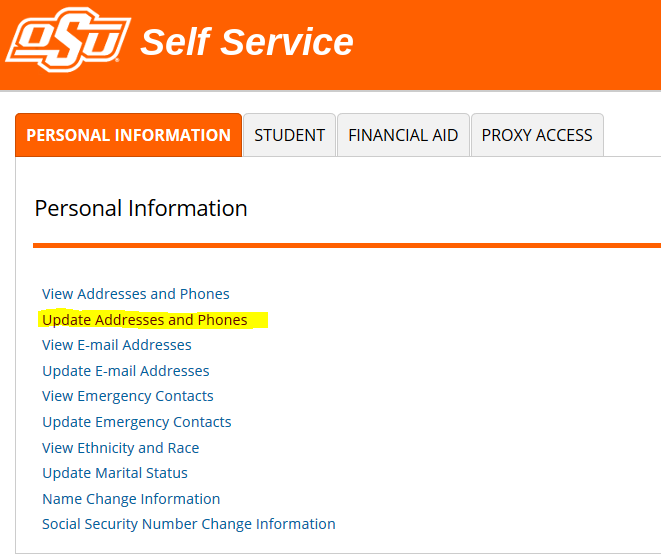
Select the "Personal Information" tab. Then select “Update Addresses and Phones”
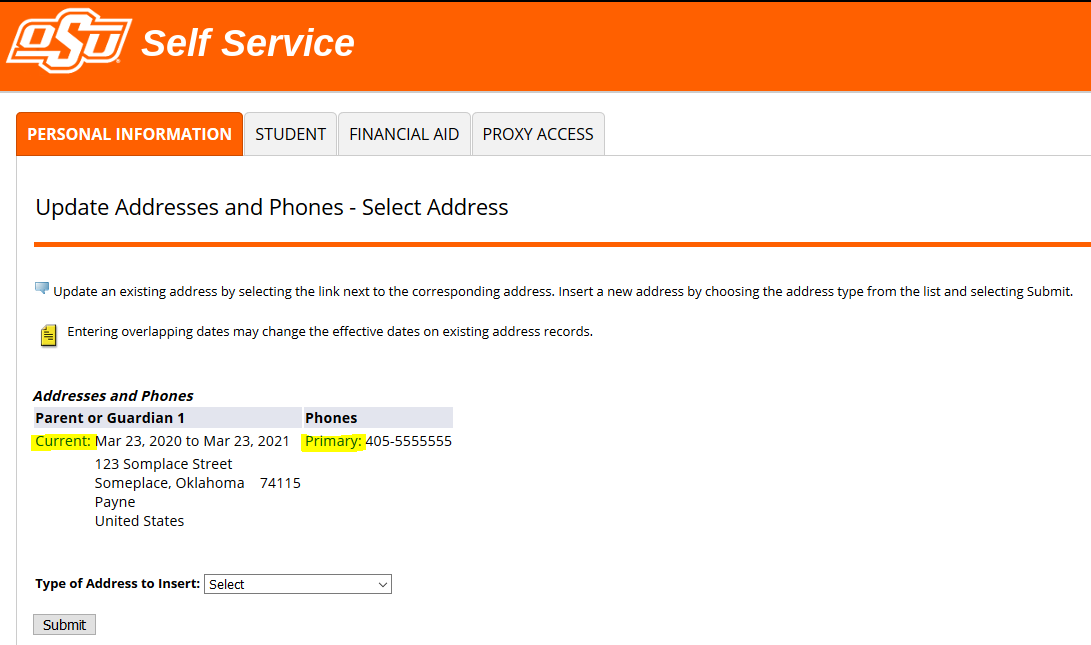
Click on the Current (Email Address) or Primary (Phone) link.
Manipulate information as needed.
Click the Submit button.
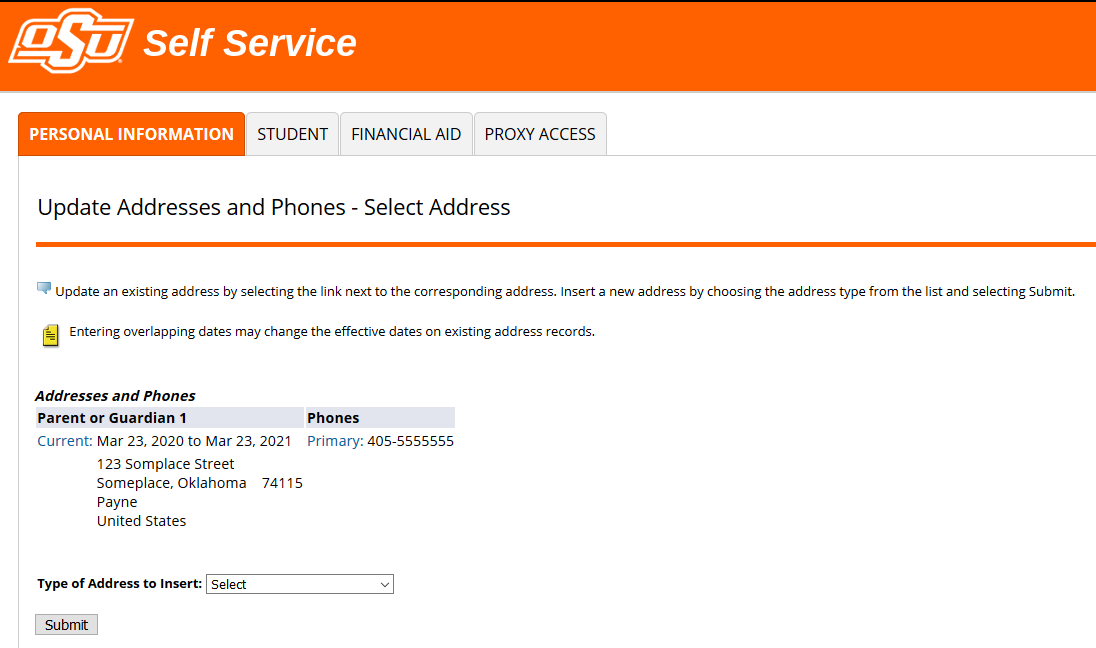
NOTE: you can set up four addresses for parent’s.