

How to Enroll in Courses in Canvas Catalog
Details
To enroll in a course for Canvas Catalog, visit https://outreachprograms.catalog.okstate.edu/
Select the “Login” button in the top right of the page.
You will be redirected to sign in using an O-Key Login or an Outreach Login.
If you are currently in the O-Key system, select the “O-Key Login” option and sign in using your O-Key credentials.
If you are not in the O-Key system, select the “Outreach Login” option and sign in using your Canvas credentials. If you do not have a Canvas account, you may create one by following these instructions.
After signing in, select the link “Please browse the catalog for available listings.”
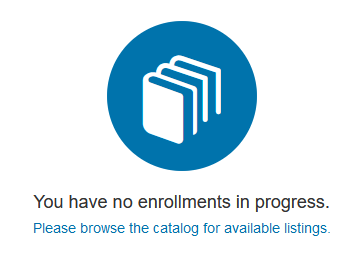
This will redirect you to a page listing all the available Canvas Catalog course listings.
Click on a course to see more information about the course.