How to locate IPv4 address on Chromebook
Details
An Internet Protocol (IP) address is a unique numerical value assigned to each network device. IP addresses are used for identifying and locating a device on a network.
On a device with both wired (Ethernet) and wireless (Wi-Fi) network connectivity capabilities, there will be one IPv4 Address for the wired (Ethernet) connection and another IPv4 Address for the wireless (Wi-Fi) connection. If a device only has wired (Ethernet) or wireless (Wi-Fi) network connectivity capabilities, then there will only be one IPv4 Address.
How to locate IP Address:
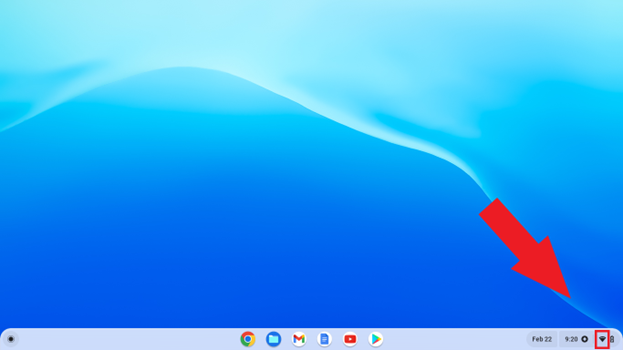
From the desktop, click the Wi-Fi icon in the bottom right-hand corner.
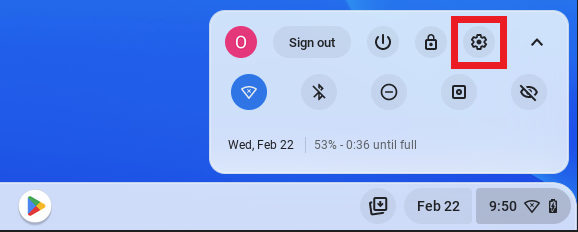
Click on the gear settings icon.
In the settings page, click on the Wi-Fi section.
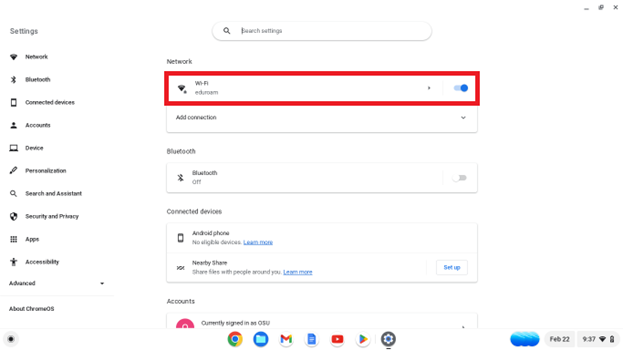
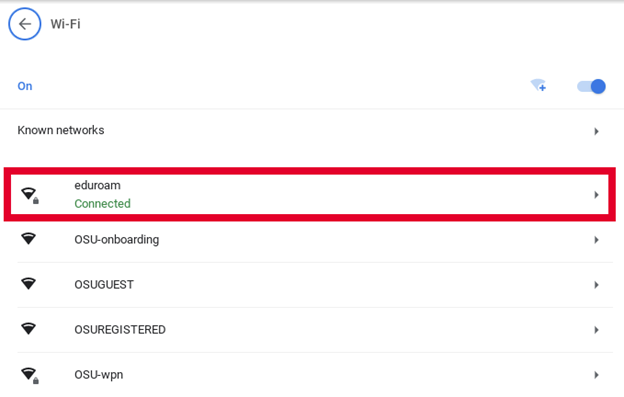
In the Wi-Fi section, click on the network the device is connected to.
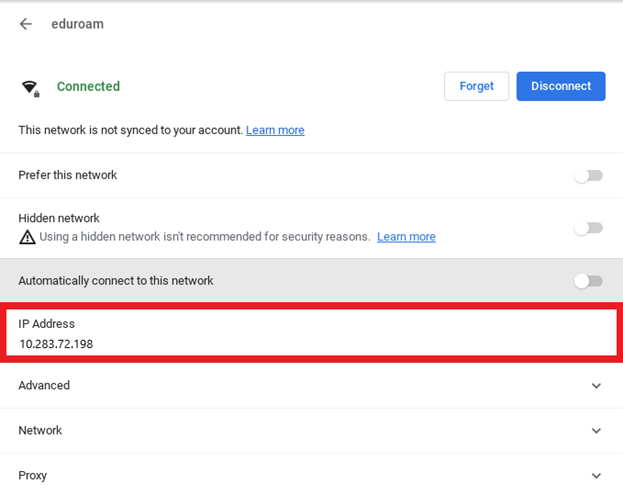
On the network page, the IPv4 Address will be listed under the IP Address section.