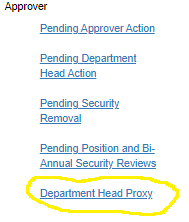
Department Head Proxy
Department Head Proxy
- This link is located on the left-hand menu and allows department heads to set up an individual in their department who can approve requests, removals, and security reviews.
- The department head proxy will receive the email notifications when there is security to approve.
- The department head can also see and approve security.
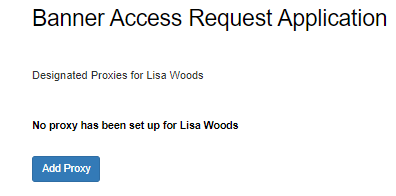
- Click the ‘Add Proxy’ button.
- Search for the individual who will be the department head proxy.
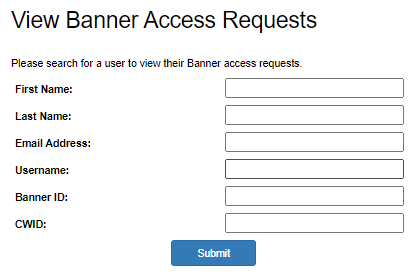
- Select the user and click ‘Submit’
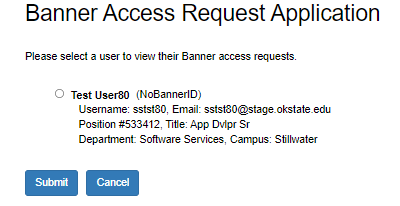
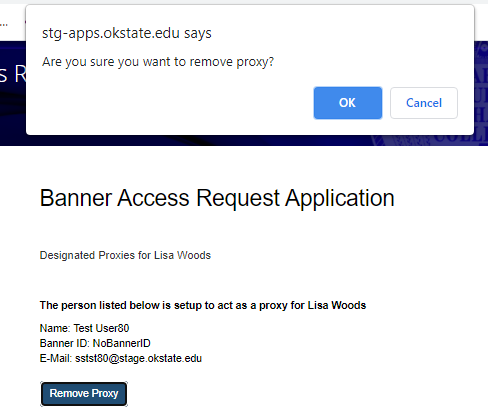
- Your department head proxy is displayed
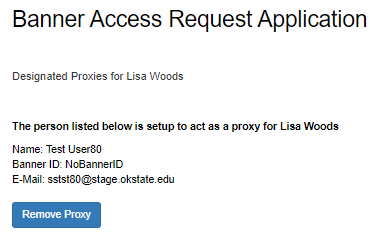
- To remove your department head proxy, click the ‘Remove Proxy’ button