

How do I create a LISTSERV account
Visit LISTSERV.okstate.edu.
Click on the Log In button in the top right corner of the screen.
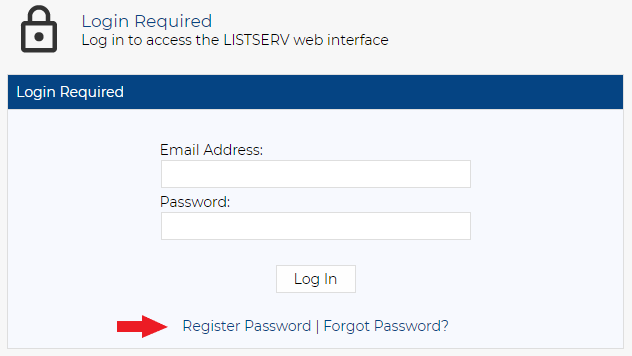
The page will update to the below screen. Click Register Password.
Enter your O-Key email address and create a password.
Note: This is not tied to your O-Key account. The password should be different from O-Key to help prevent security breaches.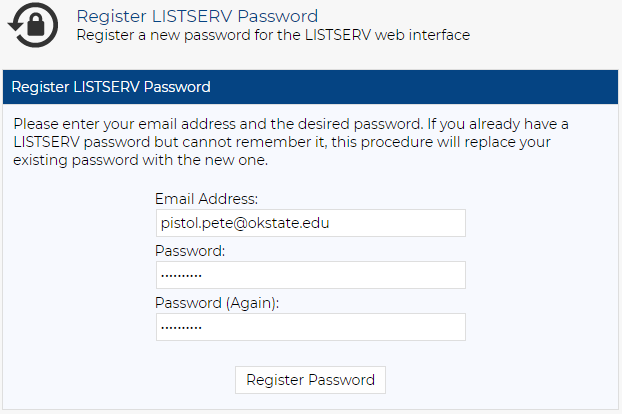
After clicking Register Password, you will get a “Confirmation Sent” prompt.

Check your inbox and click the link to confirm.
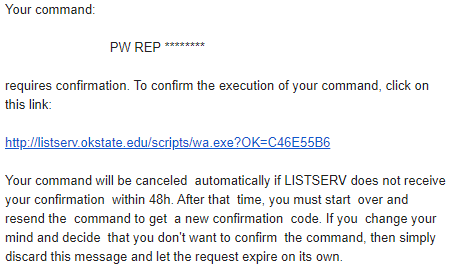
After clicking the confirmation link, you will get the following message.
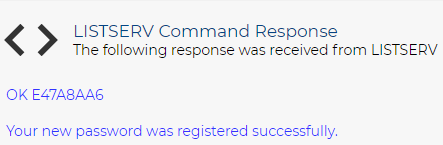
Wait 5 minutes and log in.