

Change Phone Password
OSU users have the ability to quickly and easily change their phone passwords for their O-Key accounts. To change your phone password, follow these steps.
Login to your institutions IDMS:
Click on the Change Phone Password link on the left hand side. Read the information presented.
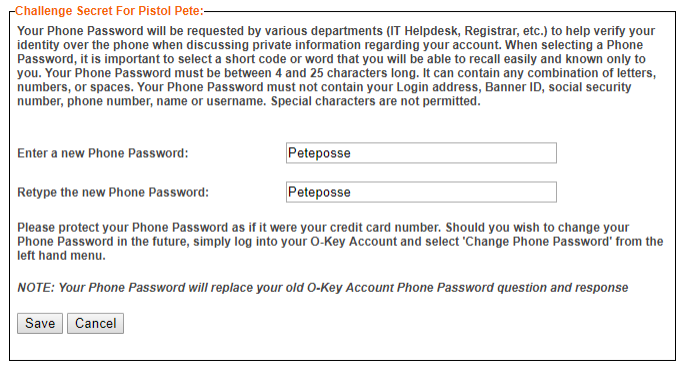
Enter in what you want your Phone Password to be. The new phone password can be the same as the last phone password.
Click the save button.