

Edit Confidential Contact Information
OSU students, faculty, and staff are able to edit their confidential contact information for their Orange Key accounts. To do so, follow these steps.
Log in to your institutions IDMS:
In the Personal Profile page, select the Confidential Information link on the left side of the page.
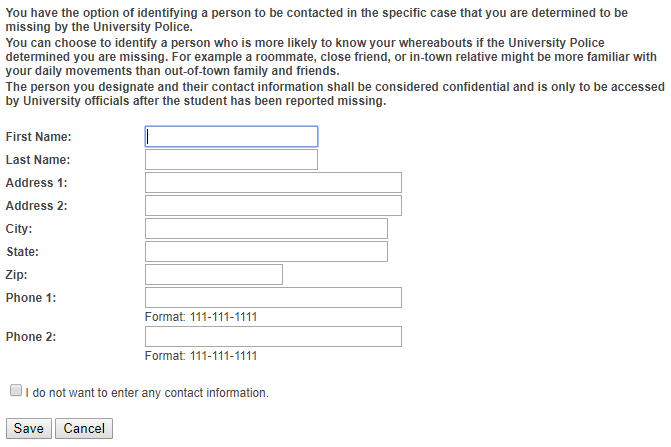
Add or edit your information or click the, "I do not want to enter any contact information" check box.
Click the save button.