

Zoom Desktop App Logon Instructions
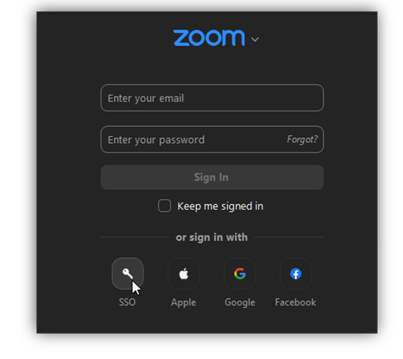
- Open your Zoom desktop app and select “SSO” at the bottom of the dialogue box.
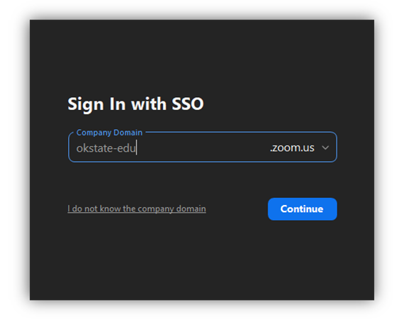
- Enter the OSU Zoom domain: okstate-edu.
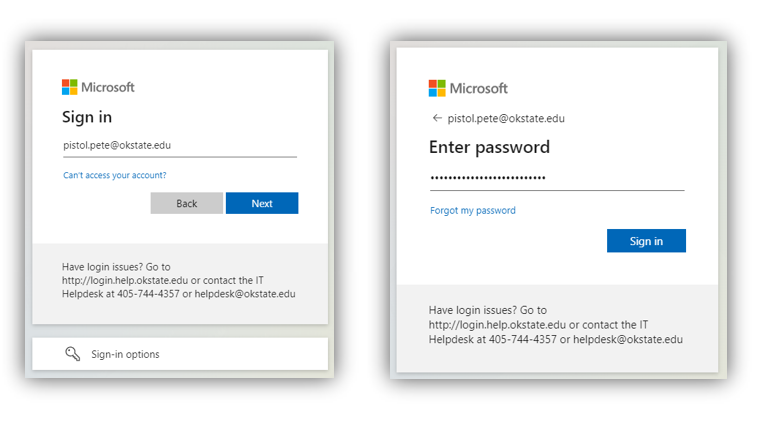
- Login using your O-Key email address and password.
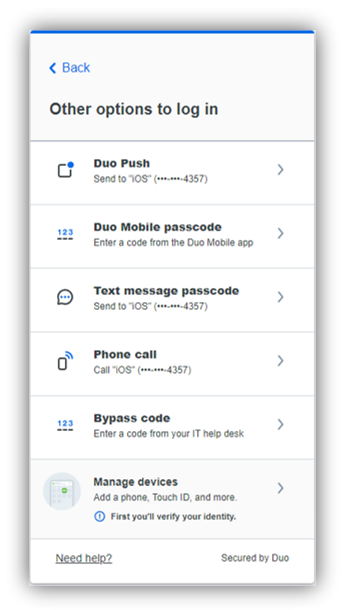
- If prompted by DUO, select your preferred Multifactor Authentication method.
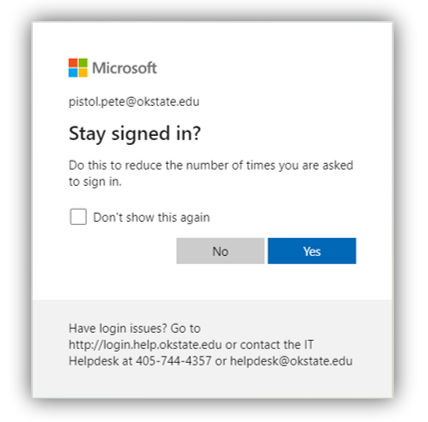
- You may be prompted to “Stay signed in?” select either Yes or No to continue.
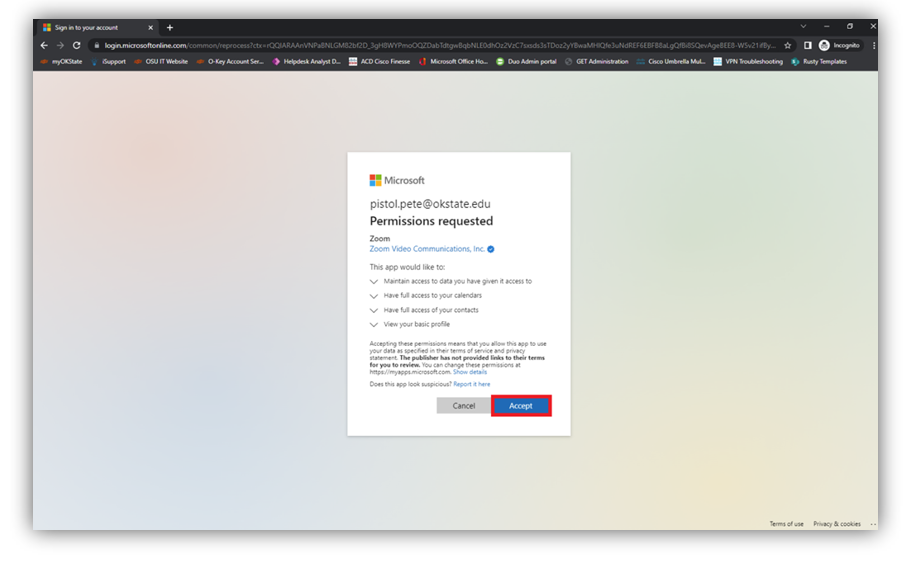
- You will be asked to give permission to Zoom, click the “Accept” button to continue.
- After Clicking “Accept” you will be redirected to your Zoom Profile page.
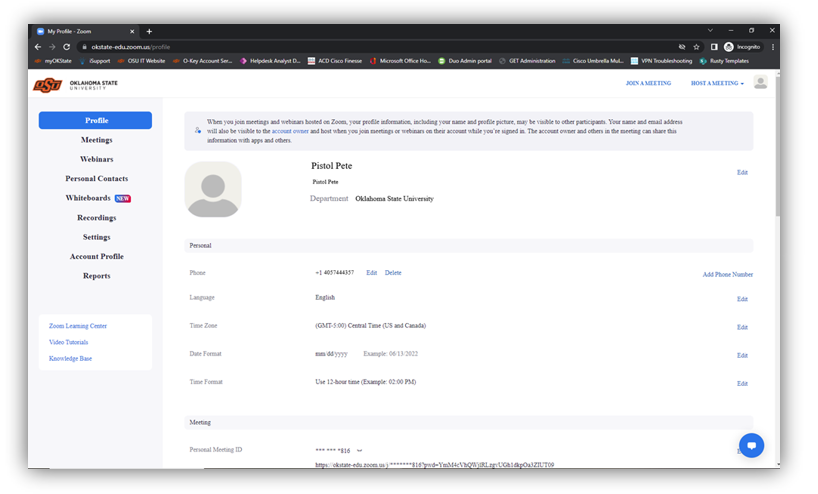
- Congratulations, you are registered with Oklahoma State Zoom Video Conferencing Solution!