

Cowboy Mail setup instructions for Outlook for iOS
The Microsoft Outlook app is the recommended way to access your Cowboy Mail and calendar on your iOS device.
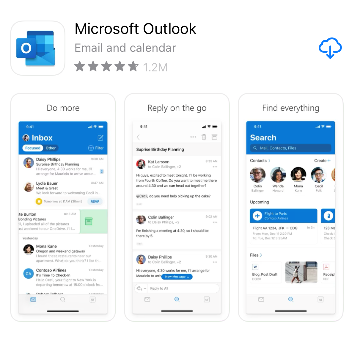
On your mobile device, go to the App store and install Microsoft Outlook. Once it is installed, open the app.
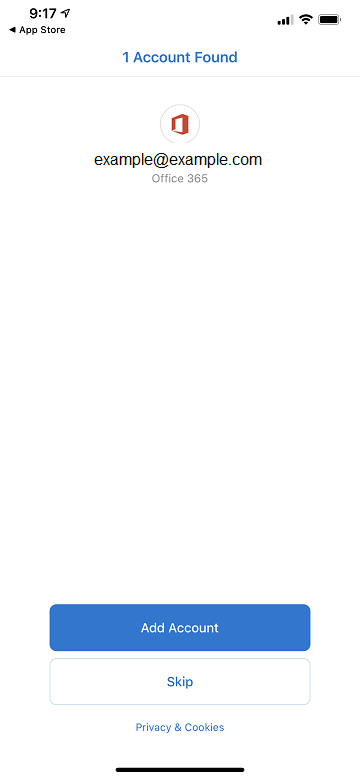
The app may detect that you have another account with another service already set up on your device. In this case, tap “Skip”.
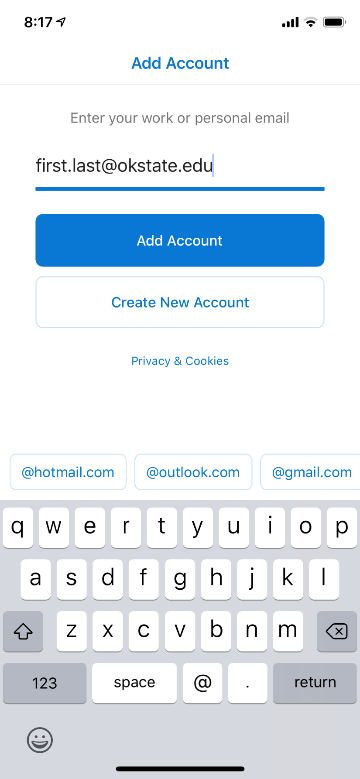
If no accounts are listed, enter your OSU Email Address and tap Add Account.
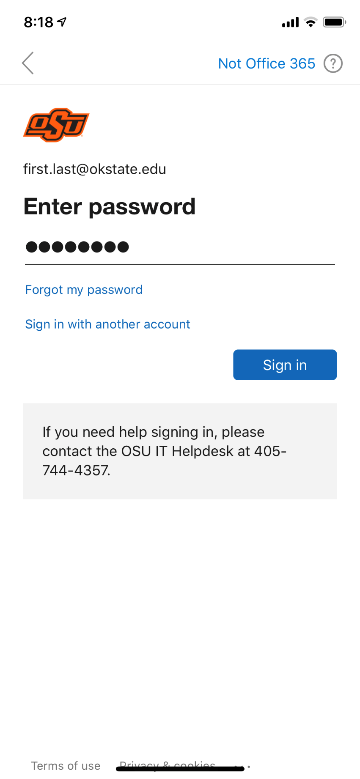
This will redirect you to the OSU Authentication page. Enter your password and tap Sign in.
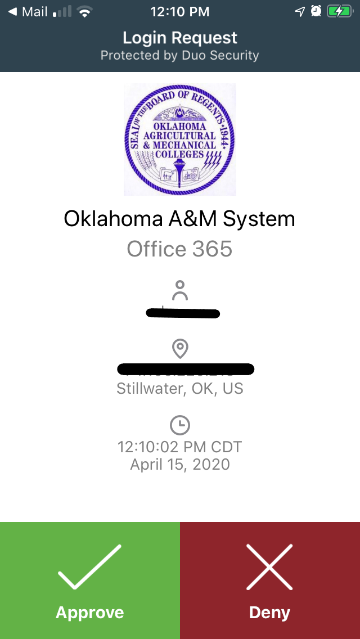
MFA users: If you use MFA, you will be prompted to use Duo verification. If you use push verification, you will need to push the Login Request to verify.
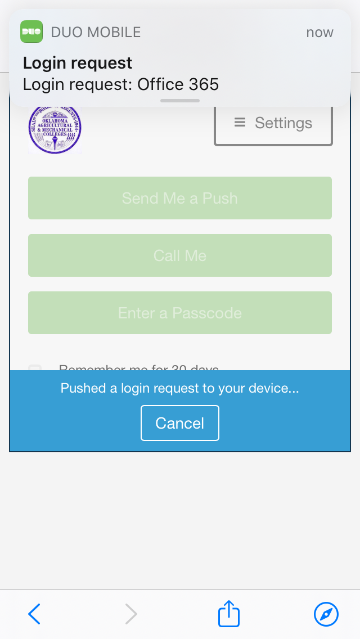
MFA Users: Accept the login request.
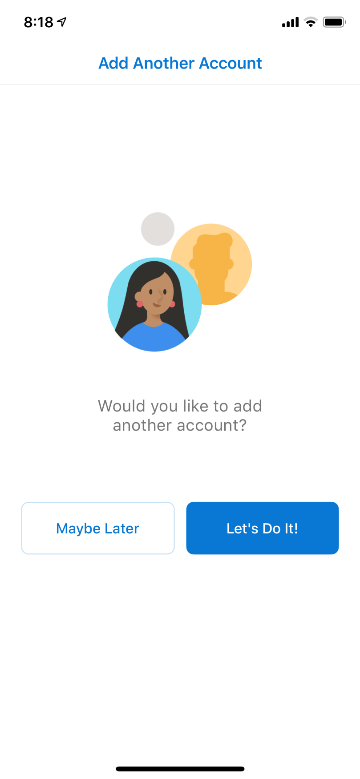
Your account is now setup. You will be asked if you’d like to set up another account, tap “Maybe Later”. Note: You can add other accounts later if desired.
Your email is ready to use!